


1
Step 1
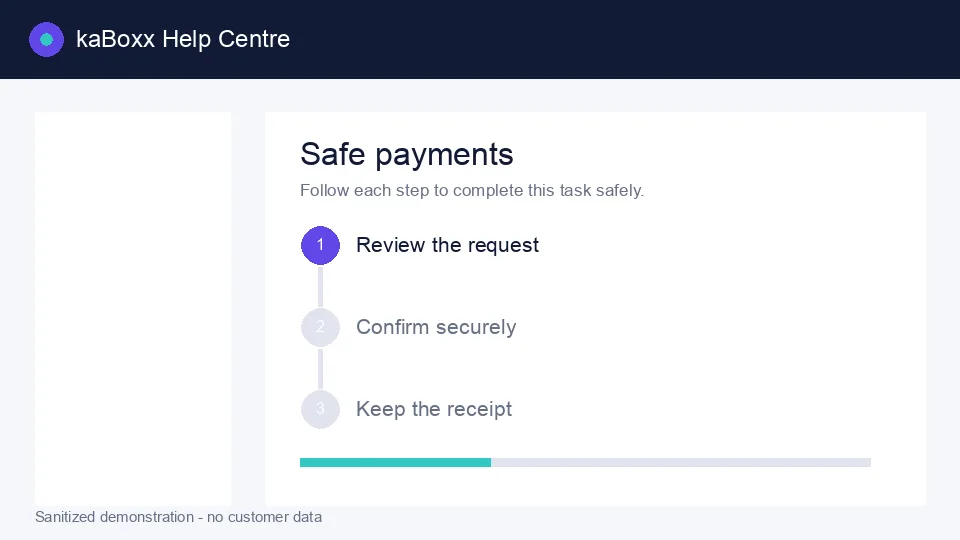
Sanitized kaBoxx product illustration. No customer data is shown.
Open this feature
Scan the code
Use the kaBoxx scanner or your camera. Confirm that the destination is on kaboxx.com before continuing.
2
Step 2
Review before confirming
Check the merchant, reference and amount. Never approve a payment you do not recognise.
3
Step 3
Keep the receipt
After a successful action, save or share the generated receipt from the secure confirmation screen.