


1
Step 1
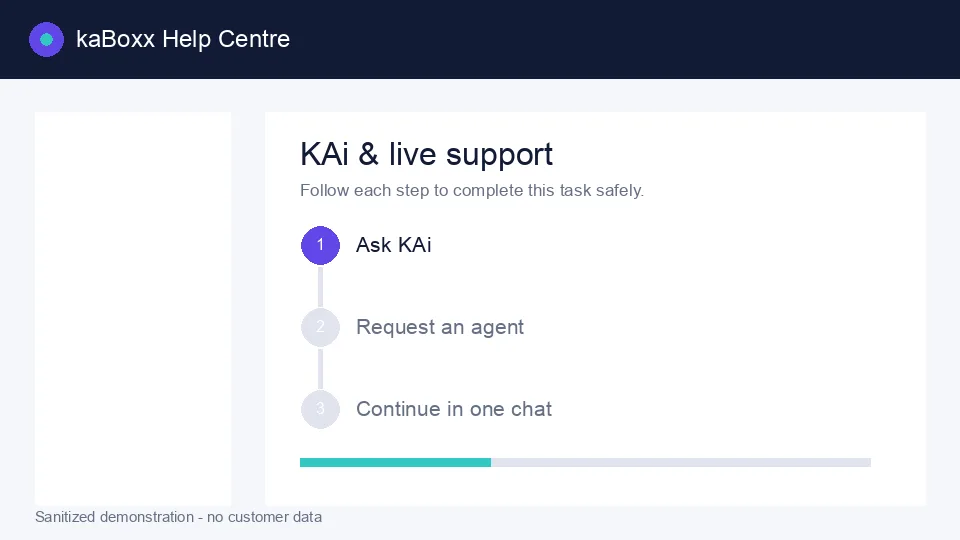
Sanitized kaBoxx product illustration. No customer data is shown.
Open KAi
Select the purple chat button at the bottom-right of any kaBoxx web page.
2
Step 2
Ask a focused question
Describe the feature and what you are trying to achieve. KAi will answer from approved kaBoxx guidance.
3
Step 3
Request a live agent
Type “live agent” at any time. Guests add a name and email or phone so the team can follow up.