


1
Step 1
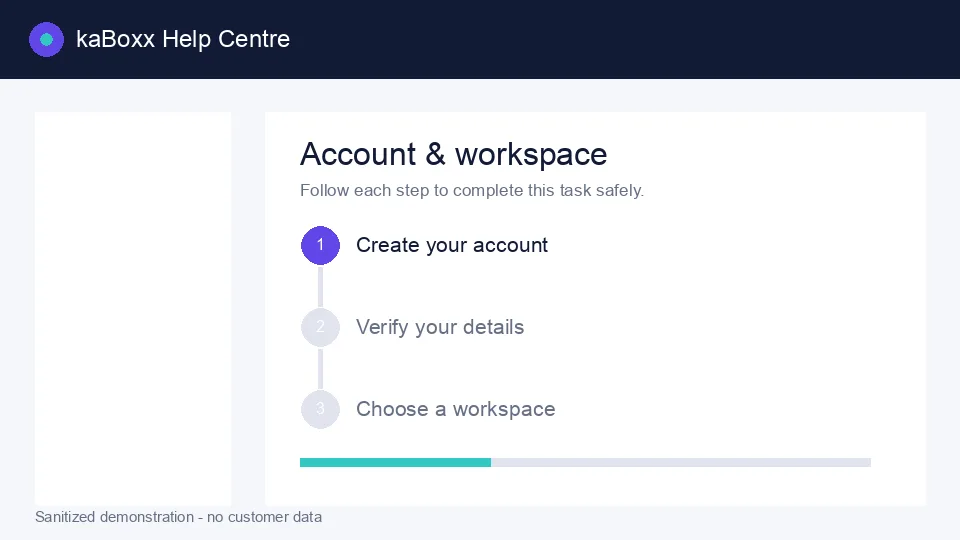
Sanitized kaBoxx product illustration. No customer data is shown.
Open this feature
Choose Create account
Open the registration page, choose the account type that describes you, and enter contact details you can verify.
2
Step 2
Verify and sign in
Use the verification message sent to your email or phone, then sign in with your new account.
Open this feature3
Step 3
Enter your workspace
Choose an available role or invited company workspace. You can switch again later from the account menu.